ai canvas / product shot
Turn a plain product photo into a studio shot.
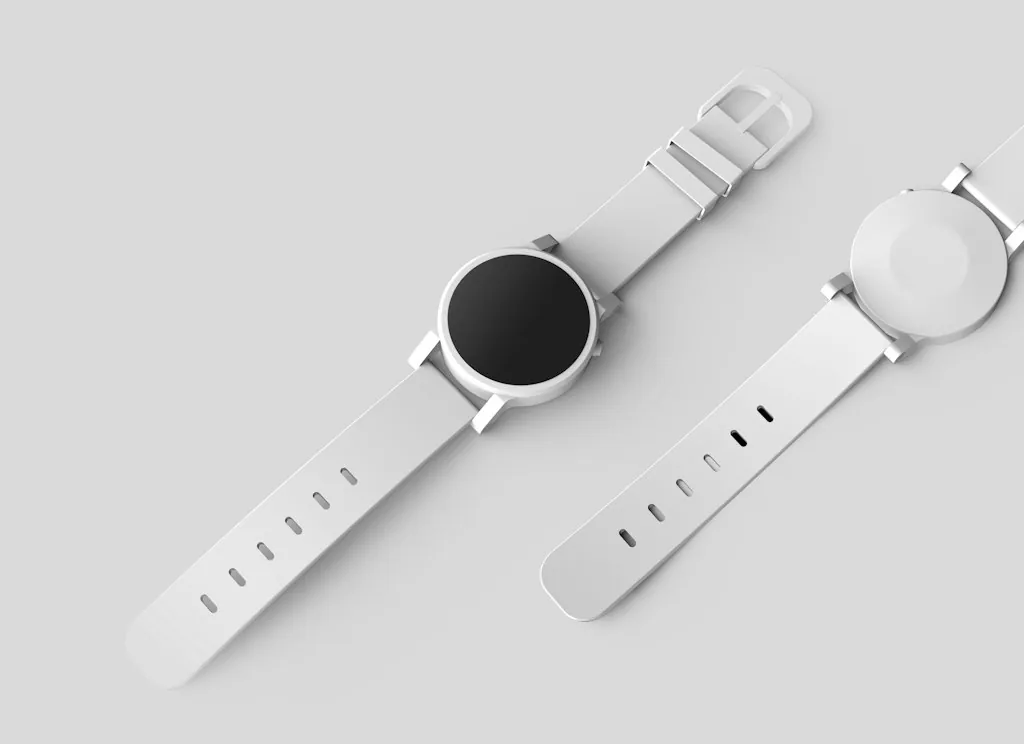
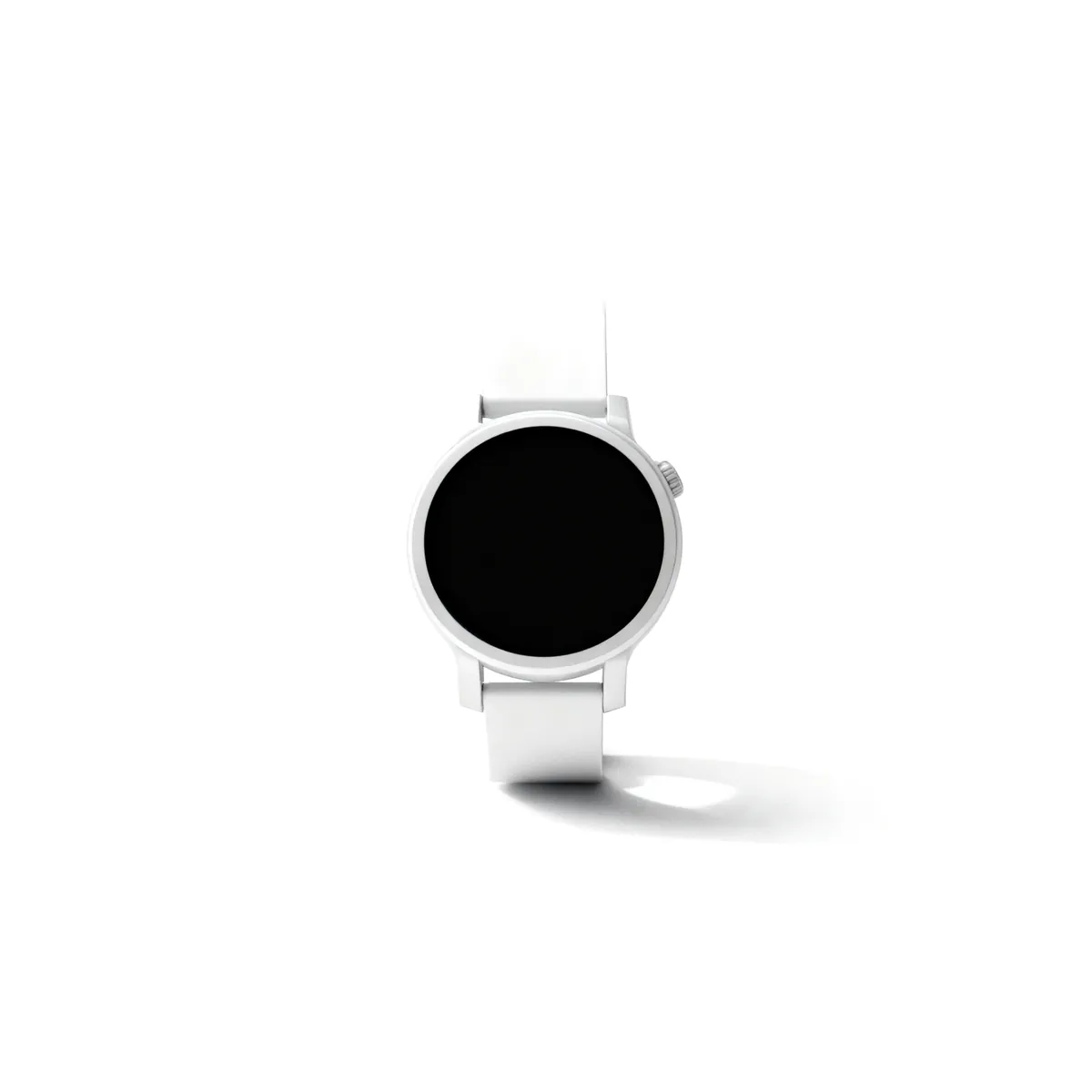
Snap the product anywhere, select it on the board and run Product shot. AI product photography redraws it as a clean studio product shot, ready for a store page or an ad.
before
after
● inside yantra
What you get.
From any photo
A phone picture on a desk is enough. The app redraws it on a clean studio set.
Then place it in a scene
Product in a scene puts the same product in a setting you describe, lit to match.
Ads from the same board
Billboard, poster and bullet-time apps turn the shot into ad creative next to it.
Write the listing too
Ask the agent for the product copy or ad captions, in the same workspace.
● how it works
How to make a product shot with AI
Add the product photo
Upload a clear photo of the product to a Canvas board.
Run Product shot
Select the photo and run Product shot from the Apps panel.
Use it
Download the studio shot, or turn it into an ad on the same board.
● try asking
Start with one prompt.
Pick one and it lands in the composer, ready to send.
● questions
Asked often.
How does AI product photography work in Yantra?
Upload a product photo to a Canvas board, select it and run Product shot. An image model redraws the product as a clean studio shot next to your original.
Do I need a studio or a good camera?
No. A clear phone photo works. The AI product photo keeps the product and replaces the set, light and background.
Can I put the product in a lifestyle scene?
Yes. Run Product in a scene and describe the setting, such as a kitchen counter or a beach, and the product is placed and lit to match.
● more on canvas
More one-click apps.
- AI canvas
Generate, direct and edit image, video and audio on one board.
- AI image upscaler
Upscale a photo or clip 2x or 4x, with new fine detail.
- Magic eraser
Remove an object, person or text from a photo, gap filled in.
- AI image extender
Expand a photo past its edges, or widen it to a new shape.